
See the explanation.
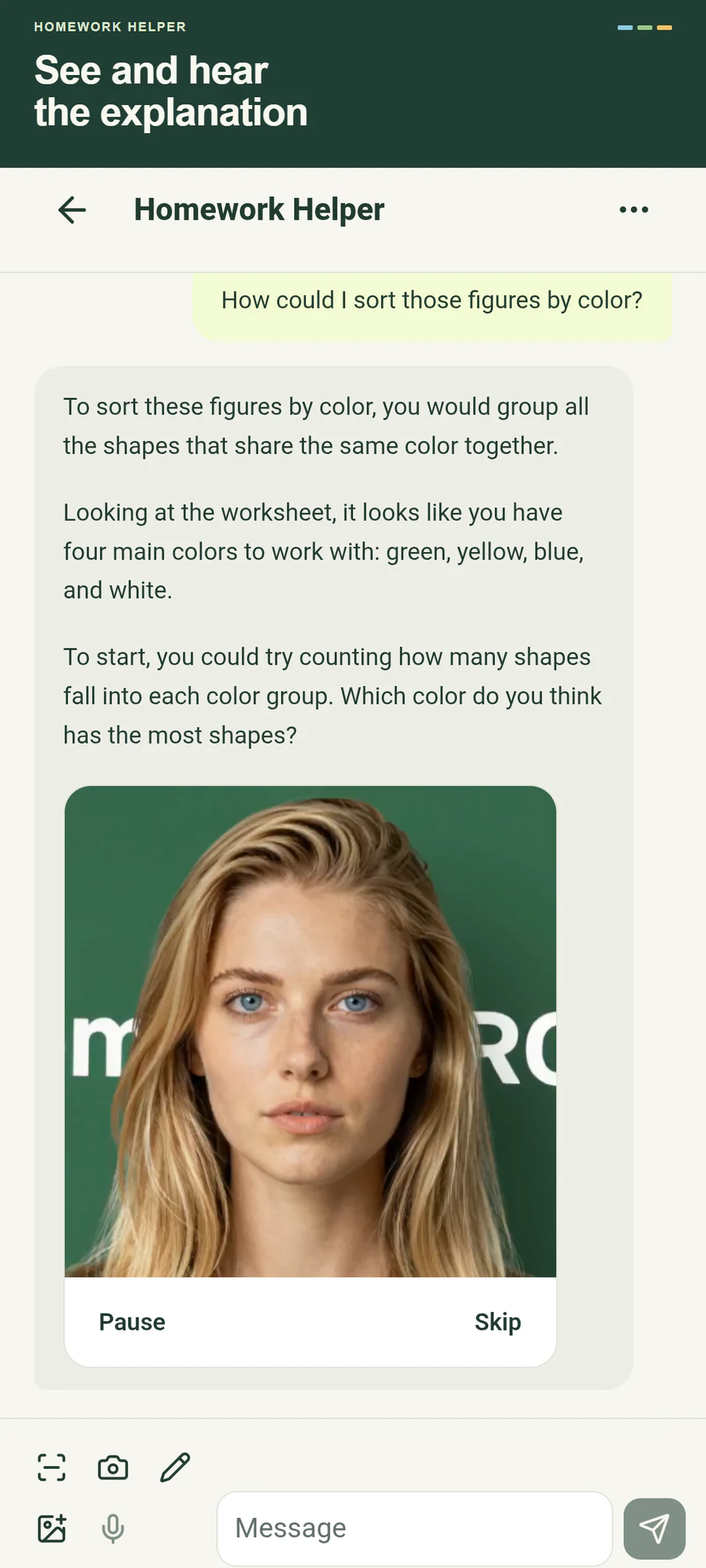
Tap a completed reply to watch its avatar explain the answer with spoken audio.
YOUR QUESTION. A CLEARER NEXT STEP.
Bring the question that has you stuck. Read the answer, ask a follow-up, and tap a reply to hear your AI study companion talk it through.
Web · Android · iPhone · iPad · Windows
Meet your study companion
Couldn’t start the preview. Use the Open video link to watch it directly.
Play the 30-second demo to hear the avatar’s real voice. You choose when a reply becomes a video.
START WITH WHAT YOU HAVE
A question on a page, an idea out loud, or a diagram on your screen. Bring it into the same chat.
Tap a completed reply to watch its avatar explain the answer with spoken audio.
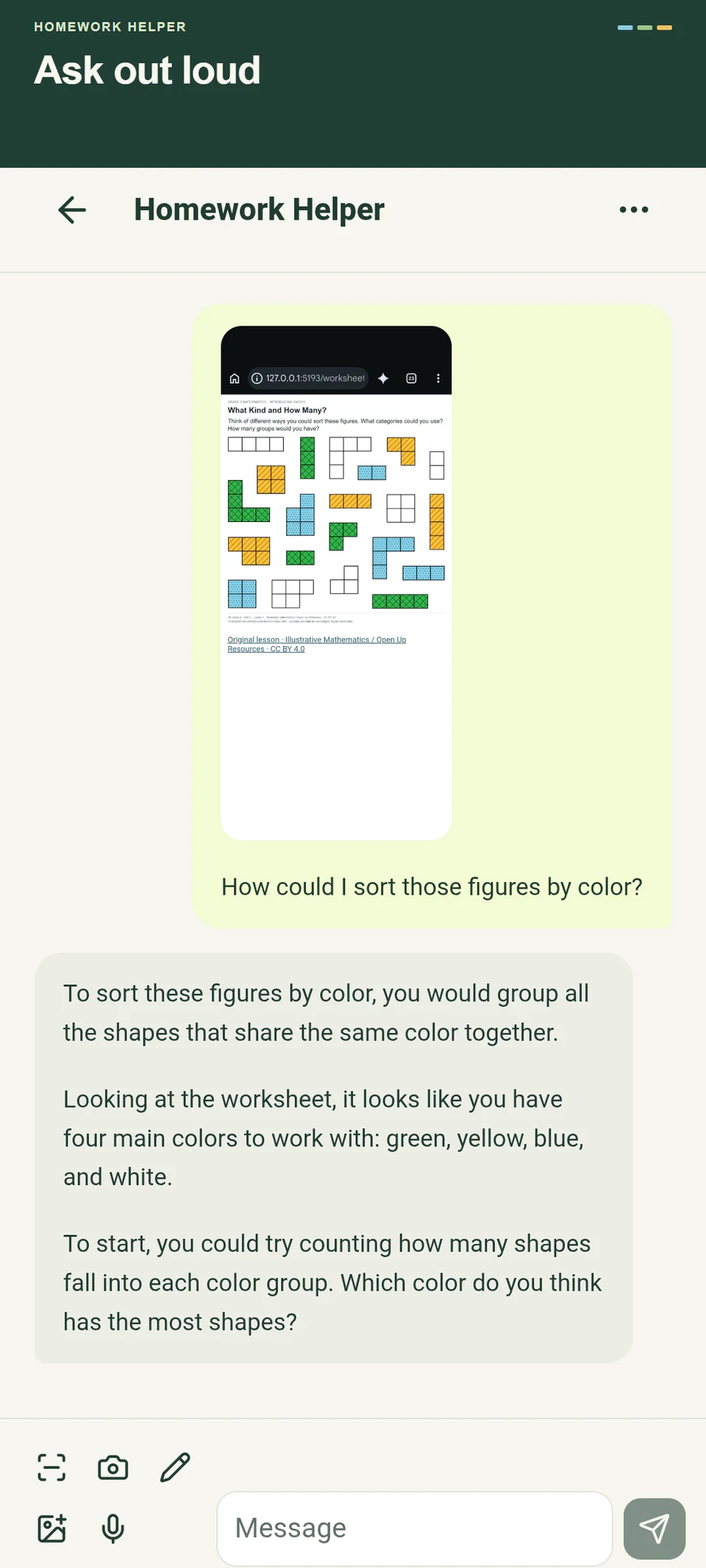
Tap Speak, ask naturally, and let your question send when you finish.
Add a screenshot from a lesson, worksheet or another app. Ask about the part you want to understand.
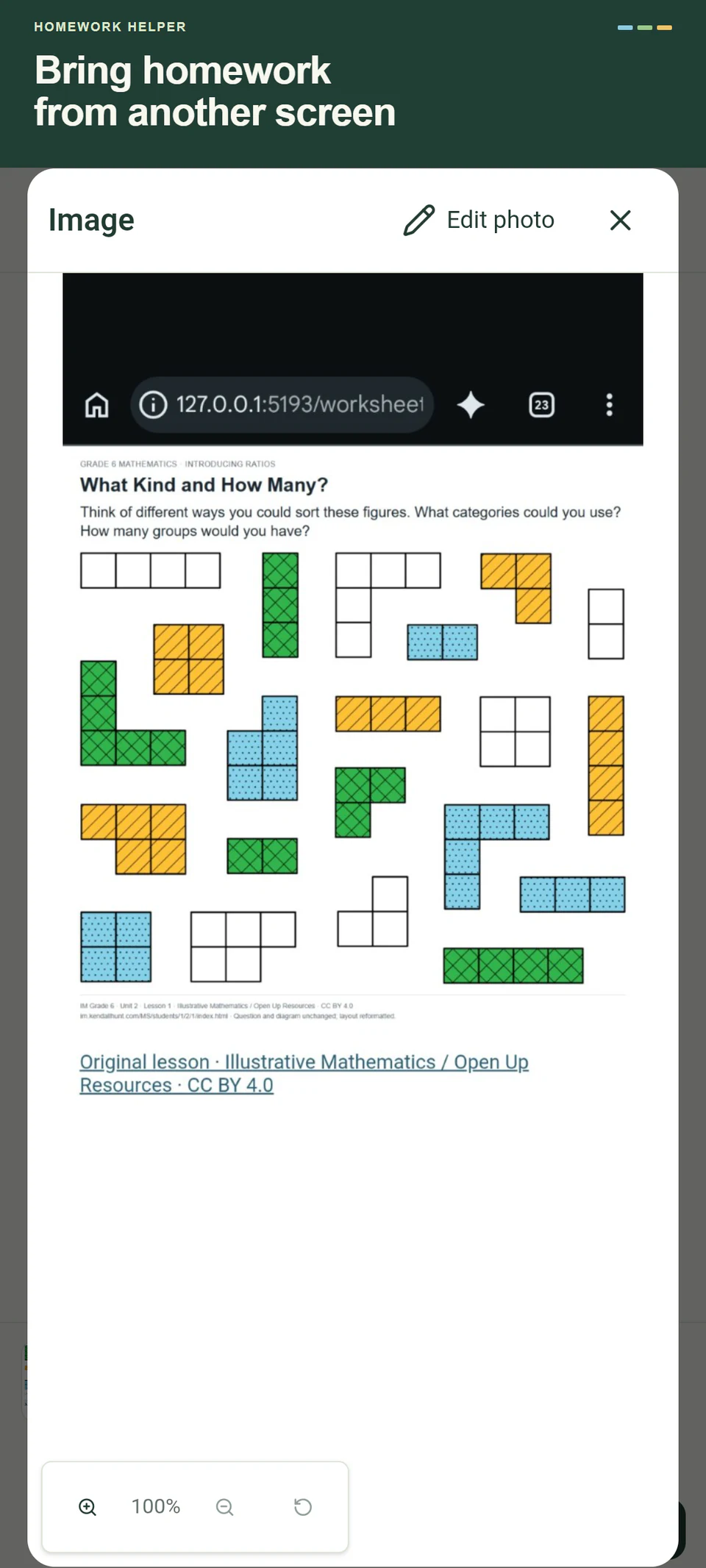
Gallery recorded on Android. In a browser, capture a tab, window or display. Windows offers a window or display picker; Android uses its screen-sharing picker. On iPhone and iPad, take a normal screenshot and import it.
KEEP THE QUESTION GOING
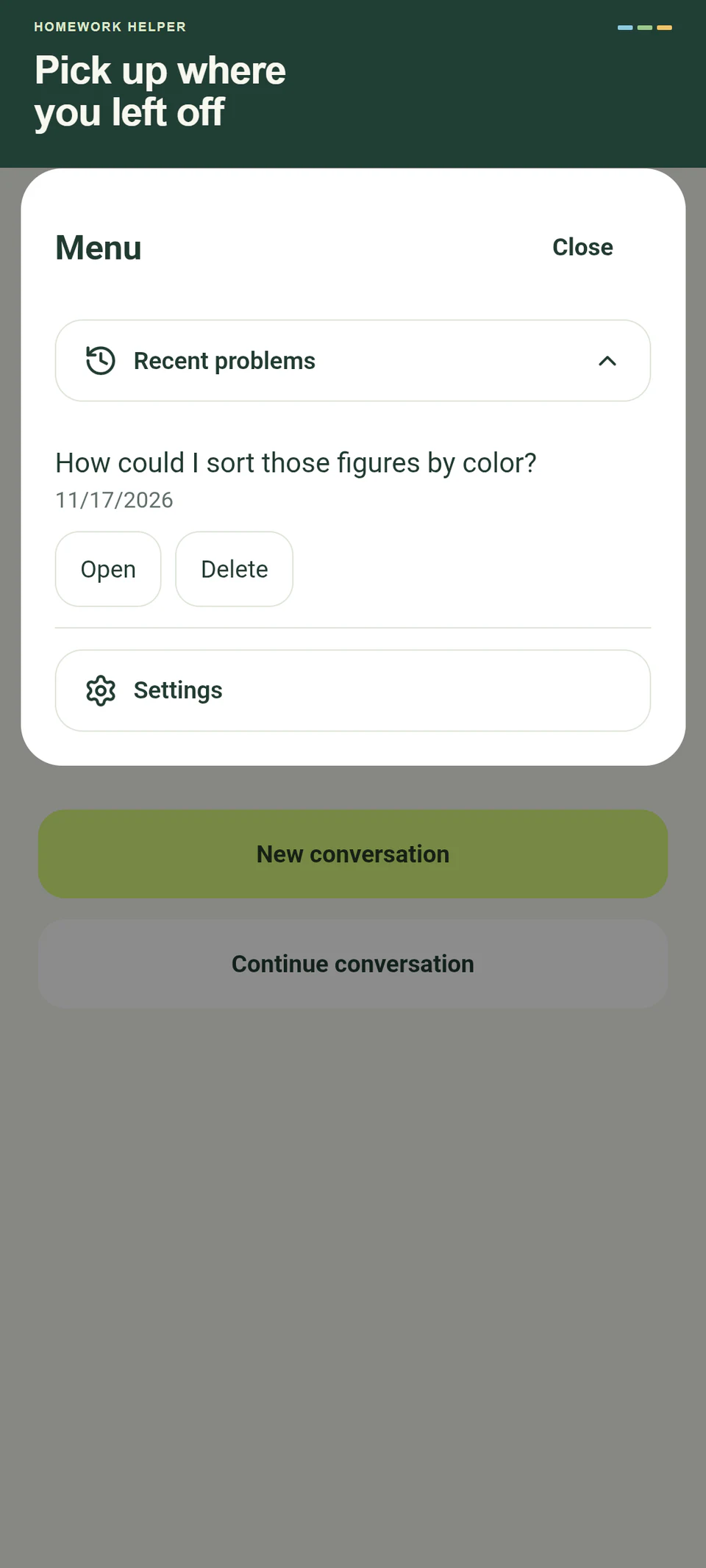
Ask why a step works. Show another example. Zoom in on a diagram, or come back to a recent conversation when you’re ready to continue.
Start a conversation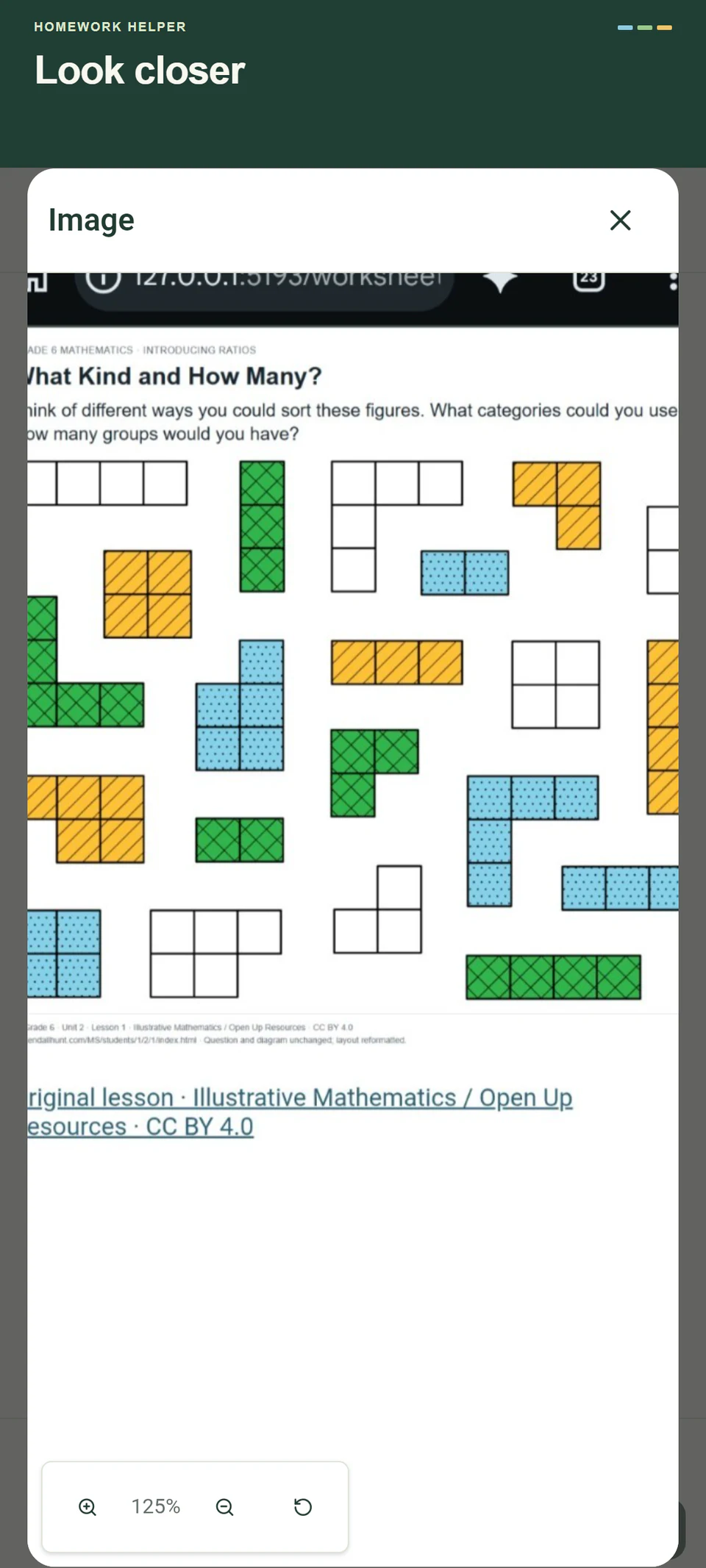
TAKE A CLOSER LOOK
Short demos from the latest app update, with the avatar’s voice, captions and colorful questions.
Couldn’t start the preview. Use the Open video link to watch it directly.
Android · 0:55
A real Pixel recording: hear the avatar, ask a question with Speak, and bring a colorful worksheet into the conversation.
Tap play to load the video. Sound and captions are controlled in the player.
Find your appCouldn’t start the preview. Use the Open video link to watch it directly.
iPhone · 0:20
An iPhone feature tour showing the avatar, the Speak button and a worksheet screenshot. Recorded in the iPhone simulator; this clip does not demonstrate a spoken question being transcribed.
Tap play to load the video. Sound and captions are controlled in the player.
Find your appCouldn’t start the preview. Use the Open video link to watch it directly.
iPad · 0:22
Recorded on a real iPad: add a worksheet screenshot, ask out loud, and hear the avatar explain the answer.
Tap play to load the video. Sound and captions are controlled in the player.
Find your appCouldn’t start the preview. Use the Open video link to watch it directly.
Windows · 0:30
A real Windows recording with the avatar’s original voice, speech input, screenshot capture and a colorful question to explore.
Tap play to load the video. Sound and captions are controlled in the player.
Find your appThese are actual app recordings edited to shorten waiting time. The avatar’s original audio is included, with narration and quiet background music. Gallery screenshots are from Android. The iPhone feature tour was recorded in the simulator; the other demos use real devices. Store updates may become available at different times.
Music: “Simplicity” by Scott Buckley, released under CC BY 4.0. Excerpted, level-adjusted, ducked under speech and faded.
Worksheet: “What Kind and How Many?”, Illustrative Mathematics, originally developed by Open Up Resources, via Kendall Hunt. Licensed under CC BY 4.0. Original question and diagrams unchanged; compact layout reformatted for the demonstrations. AI explanations are not official publisher solutions.
BRING YOUR NEXT QUESTION
Open Homework Helper in your browser, or choose your device below.
Try Homework HelperInternet required. AI can make mistakes; check important answers. Store availability and device compatibility may vary.